The one tool that justifies your care plan, not explain it.
One system for the whole fleet: monitoring, updates, security, performance and reporting. A frontier model reads it all, tells you what's actually wrong, and gives clients a report that shows the work behind the invoice.
 TalkToWP
Navigation
All Websites
Dashboard
All Problems
Activity Log
MCP
Help
Settings
S
santosh6 sites · Agency
All Websites
Download Report
SA
Search websites...
Add Website
Showing 6 websites
brightsmilehome.com
WP 7.1.3PHP 8.4.24131 update2 critical
125msN/A7 minutes ago
rohanwrites.in/blog
WP 7.1.1PHP 8.3.3362 updatesDebug off
645msN/A7 minutes ago
greenleafstudio.in
WP 7.1.2PHP 8.2.3243 updates
1.0sN/A2 minutes ago
kalaweaves.com
WP 7.1.3PHP 8.3.1222
212msN/A5 minutes ago
northfieldclinic.co.uk
WP 7.0.4PHP 8.2.28211 update
128msN/A4 minutes ago
urbanbakehouse.in
WP 7.1.3PHP 8.4.109
96msN/A3 minutes ago
Full Site Analysis
One AI pass over brightsmilehome.com's whole picture — what's wrong, why it matters, what to do first.
Problems We Found
CRITICAL"PRO Elements" is not Elementor Pro and is not from Elementor
A plugin called "PRO Elements" by "PROElements.org" is active and is supplying your menus, forms, testimonial sliders and sticky header — it is a repackaged copy, not the genuine Elementor Pro from Elementor.com.
Problem SolvedSee How to Fix
CRITICALYour site still points at an old server address, so fonts and review photos fail
Parts of your homepage still load from an old numeric server address (142.93.61.18) instead of brightsmilehome.com, and those requests fail — six font files come back "not found" and five patient review photos are blocked outright.
Problem SolvedSee How to Fix
HIGHPage is unresponsive for 1019ms - visitors can't interact quickly
Problem SolvedSee How to Fix
Back to all problems
Active ProblemSolvedFound 8 days ago
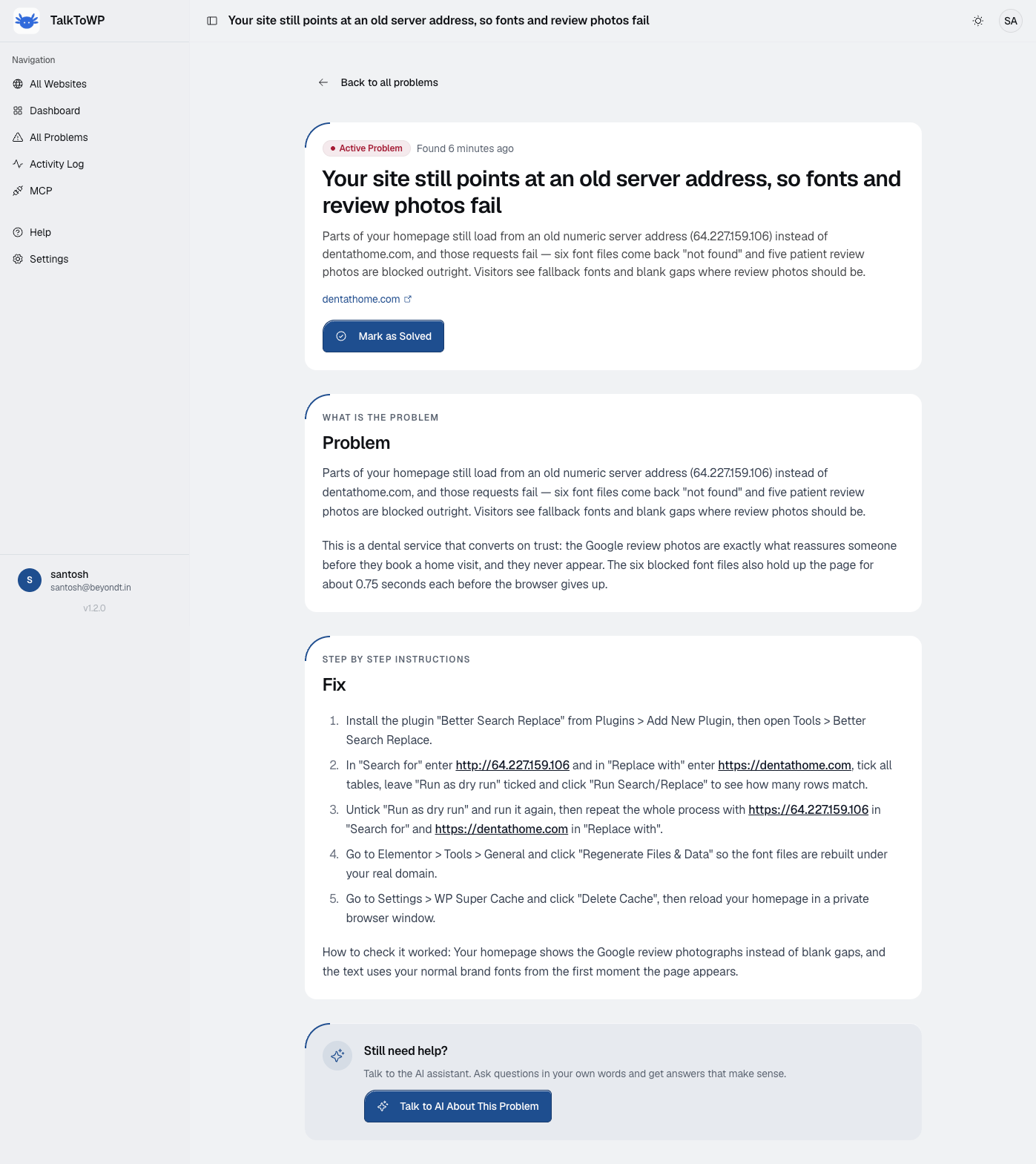
Your site still points at an old server address, so fonts and review photos fail
Parts of your homepage still load from an old numeric server address (142.93.61.18) instead of brightsmilehome.com, and those requests fail — six font files come back "not found" and five patient review photos are blocked outright. Visitors see fallback fonts and blank gaps where review photos should be.
brightsmilehome.com
Mark as Solved
STEP BY STEP INSTRUCTIONS
Fix
1.Install the plugin "Better Search Replace" from Plugins > Add New Plugin, then open Tools > Better Search Replace.
2.In "Search for" enter http://142.93.61.18 and in "Replace with" enter https://brightsmilehome.com, tick all tables, leave "Run as dry run" ticked and click "Run Search/Replace" to see how many rows match.
3.Untick "Run as dry run" and run it again, then repeat the whole process with https://142.93.61.18 in "Search for".
4.Go to Elementor > Tools > General and click "Regenerate Files & Data" so the font files are rebuilt under your real domain.
5.Go to Settings > WP Super Cache and click "Delete Cache", then reload your homepage in a private browser window.
How to check it worked: Your homepage shows the Google review photographs instead of blank gaps, and the text uses your normal brand fonts from the first moment the page appears.
Marked as solved. We'll re-check brightsmilehome.com in 10 minutes.

 Only on TalkToWP
 Ask ChatGPT
